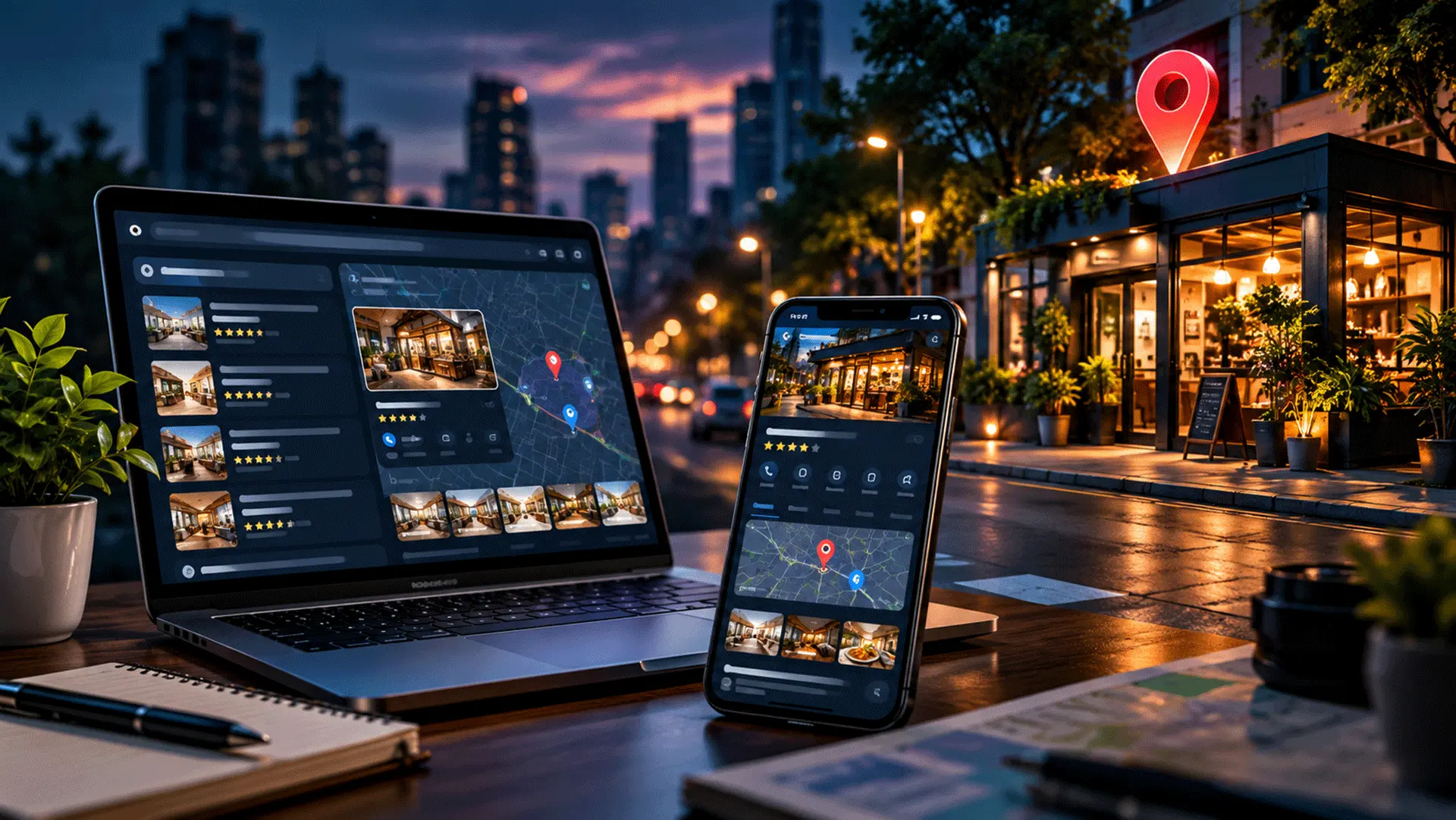
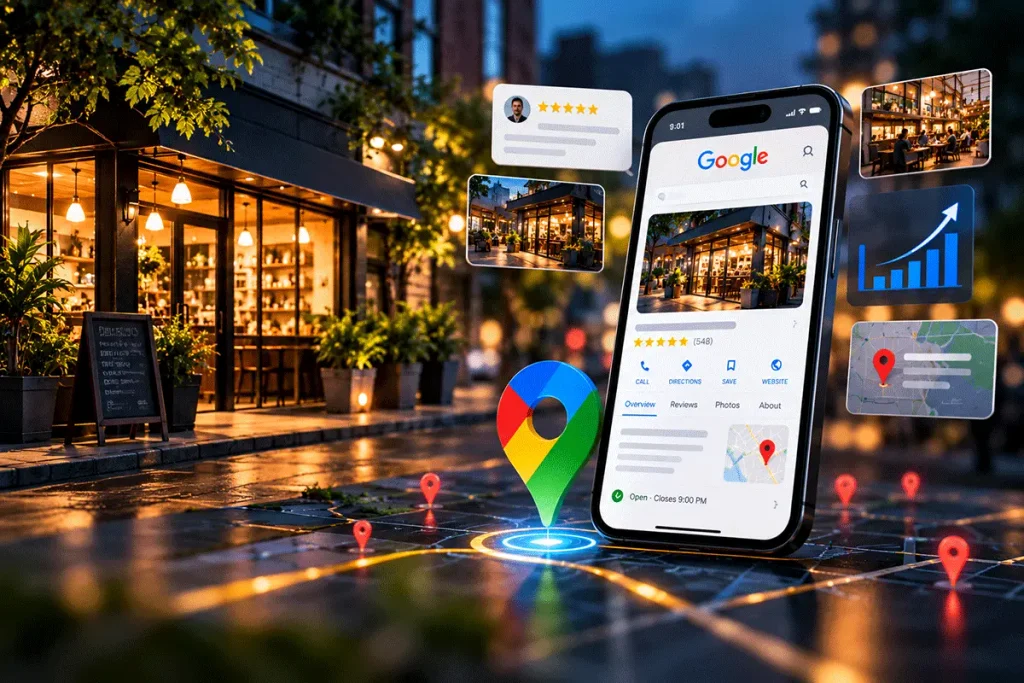
When someone searches for a nearby restaurant, diagnostic centre, travel agency, consultant, repair service or other local business, they may not visit the company’s website first. Instead, they may see business information directly in Google Search or Google Maps. That information can include the business name, location, opening hours, phone number, photographs, reviews, website and other useful details.
This is where a Google Business Profile becomes important.
For businesses that depend on customers from a particular city, neighbourhood or service area, maintaining an accurate and useful Google Business Profile can be an important part of their local online presence.
In this guide, we’ll look at what Google Business Profile is, why it matters, and practical steps local businesses can take to improve their visibility and presentation.
What Is a Google Business Profile?
Google Business Profile is a tool that allows eligible businesses to manage how their business information appears across Google Search and Google Maps.
If you have ever searched for a local business and seen information such as its:
- Business name
- Address
- Phone number
- Opening hours
- Website
- Directions
- Photographs
- Reviews
- Services
you may have been looking at information associated with its Google Business Profile. For a local business, this profile can become an important connection between an online search and a real-world customer interaction.
Why Google Business Profile Matters for Local Businesses
Consider a simple search such as:
“diagnostic centre near me”
or
“travel agency in Kolkata”
or
“website developer near me.”
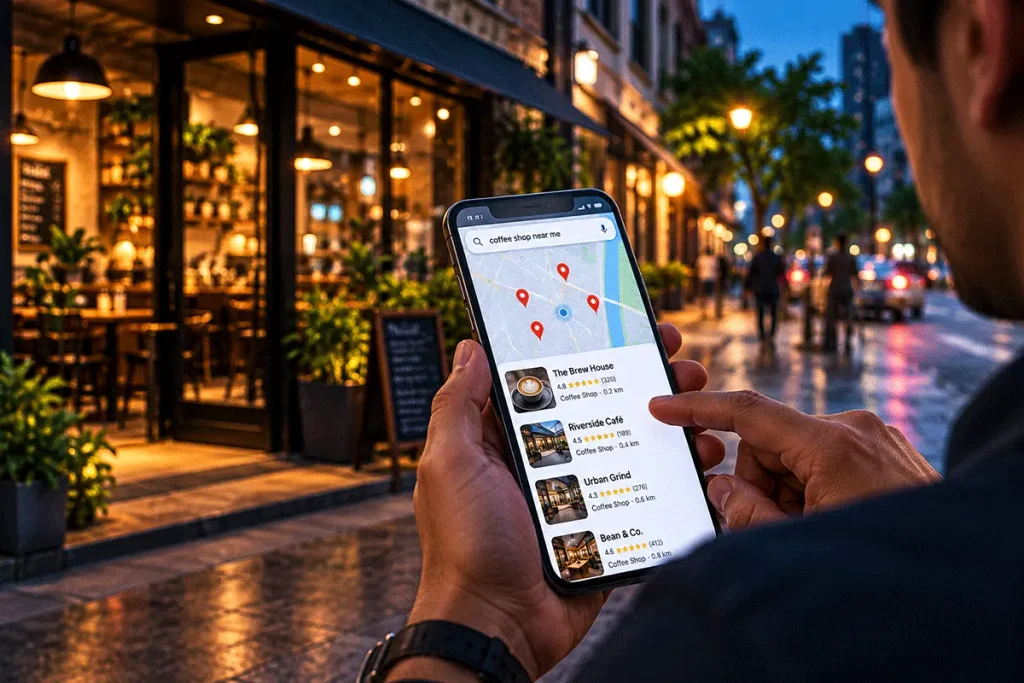
The person performing that search may already have a specific requirement.They are not necessarily researching a topic for the future. They may be looking for a business they can call, visit or contact now. A well-maintained business profile can help such customers quickly find important information about your business.
1. It Helps Customers Discover Your Business
One of the primary benefits of maintaining a Google Business Profile is discoverability.
People may find your business by searching for:
- Your business name
- A service you provide
- A product category
- A business category
- A location-specific service
- Businesses near their current location
For example, someone may not know the name of a particular physiotherapy clinic. They may simply search:
“physiotherapist near me”
Businesses relevant to that search may appear within local search experiences. This creates an opportunity to be discovered by people who may not already know your brand.
2. It Provides Important Information Quickly
Customers often want basic information before they decide whether to contact a business.
They may want to know:
Where are you located?
Are you open today?
What services do you provide?
What is your phone number?
Do you have a website?
How can I get directions?
An accurate Google Business Profile can make this information easier to find. The easier it is for potential customers to access reliable information, the fewer unnecessary obstacles exist between discovery and contact.
3. It Can Strengthen Your Local Digital Presence
Local SEO focuses on improving a business’s visibility for searches connected to a geographical location. Google Business Profile is one part of that broader local search ecosystem.
Your local digital presence may also involve:
- Your website
- Location-specific website content
- Business information across the web
- Customer reviews
- Relevant directories
- Local links and mentions
- Search engine optimisation
- Google Business Profile
These elements should ideally support one another. Google Business Profile should therefore not be treated as a replacement for a business website. Instead, the two can work together.
How to Improve Your Google Business Profile
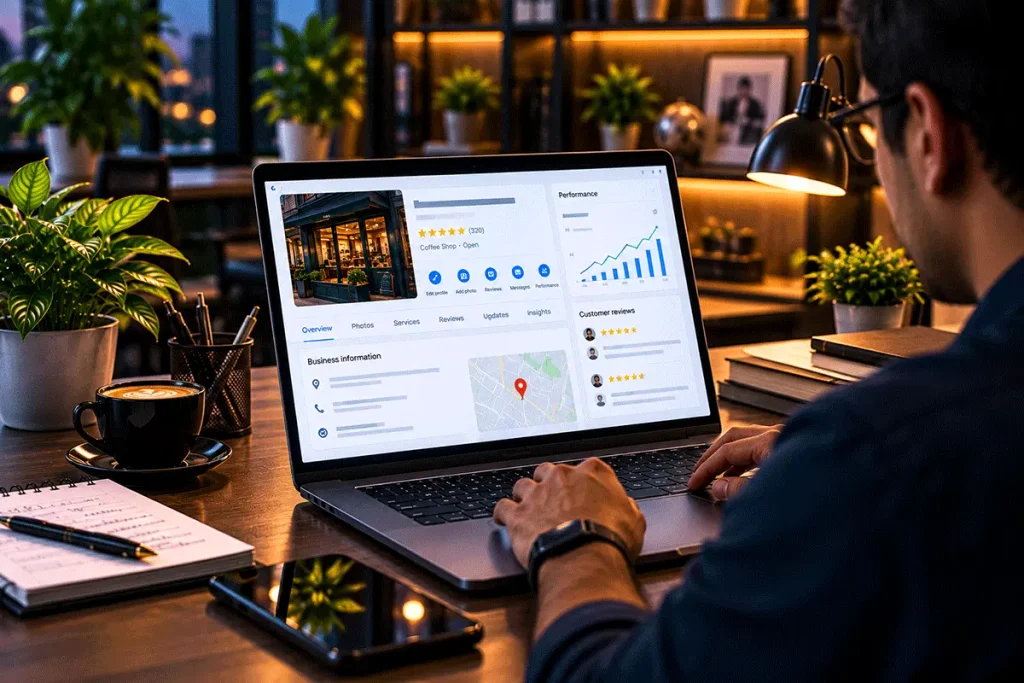
Creating a profile is only the beginning. Like your website and social media pages, business information needs to remain accurate and useful.
Here are some of the most important areas to review.
1. Use Your Real Business Name
Your business name should accurately represent the name used by your organisation. Avoid adding unnecessary keywords, locations or promotional phrases to the name simply in an attempt to gain additional search visibility.
Consistency matters.
Where practical, customers should see the same recognisable business identity across your:
- Google Business Profile
- Website
- Facebook Page
- Instagram profile
- Business documents
- Signage
- Other important online listings
A consistent identity reduces confusion and helps customers recognise your business.
2. Choose the Most Appropriate Business Category
Your category helps describe what type of business you operate. Choose a primary category that accurately represents the main activity of your business. Depending on the available options and your actual services, additional relevant categories may also be appropriate.
The objective should be accuracy—not selecting unrelated categories simply because they appear attractive from an SEO perspective.
Ask yourself:
“If a new customer saw only this category, would they understand what kind of business we are?”
If the answer is yes, you are probably moving in the right direction.
3. Keep Your Contact Information Accurate
Few things are more frustrating for a potential customer than finding outdated business information.
Regularly check important details such as:
- Phone number
- Website
- Address
- Business hours
- Service area
- Other available contact information
If your phone number changes, update it. If your office moves, update the address through the appropriate process. If your operating hours change, review them. Your business profile should reflect the current reality of your business.
4. Add Accurate Business Hours
Business hours are especially important for local customers. Imagine travelling to a store because Google says it is open, only to discover that it closed two hours earlier. That creates a poor customer experience before the customer has even interacted with the business. Keep your regular operating hours accurate.
Also review special hours when relevant, such as during:
- Public holidays
- Festivals
- Temporary closures
- Special events
- Seasonal schedules
This is a small maintenance task that can make a meaningful difference to customers.
5. Write a Useful Business Description
Your business description should help someone understand what your business does. Avoid filling it with repeated keywords.
Instead, clearly explain:
- What your business offers
- Who you serve
- Important areas of expertise
- Relevant location or service information
- What distinguishes your business where appropriate
Keep the writing natural and informative. A potential customer should be able to read the description and understand your business without needing to decode marketing jargon.
6. Add Your Products and Services Where Appropriate
Depending on the business type and available profile features, you may be able to provide information about products or services. Use these areas to describe what you actually offer.
For example, a digital agency might list:
- Website Development
- SEO
- Social Media Marketing
- Graphic Design
- Content Writing
- Business Support
A healthcare business might list the diagnostic or wellness services it genuinely provides. Clear service information can help customers determine whether your business is relevant to their needs.
7. Use Good-Quality Photos
Images can help potential customers understand what to expect.
Depending on your business, useful photographs may include:
- Business exterior
- Entrance
- Interior
- Reception
- Team
- Products
- Facilities
- Services
- Work environment
For location-based businesses, photographs of the exterior and entrance can also make the business easier to recognise when customers arrive. Use clear, relevant and reasonably current images. Avoid uploading unrelated stock photographs simply to increase the number of images on the profile.
Authenticity is more useful.
8. Pay Attention to Customer Reviews
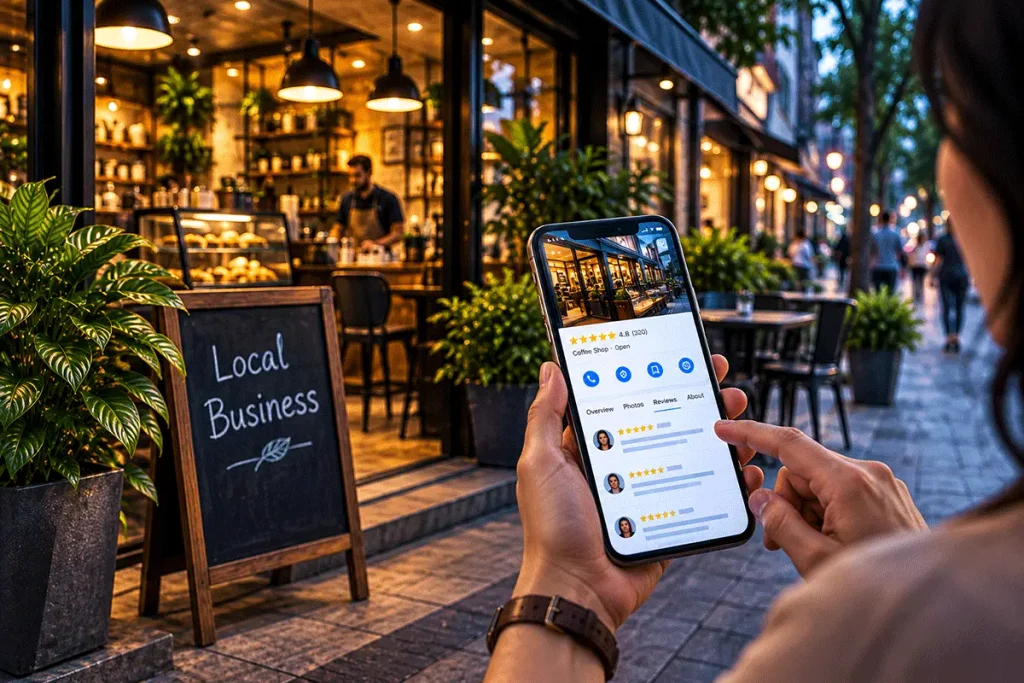
Reviews are an important part of how people evaluate local businesses online.
Potential customers may look at:
- Overall rating
- Number of reviews
- Recent reviews
- Customer experiences
- Business responses
Businesses can encourage genuine customers to share their experiences. However, reviews should not be manipulated through fake accounts, purchased reviews or other deceptive methods. The objective is to build an authentic representation of customer experience over time.
Should Businesses Respond to Google Reviews?
Where practical, yes. Responding shows that the business pays attention to customer feedback. For a positive review, the response can be simple and appreciative.
For example:
“Thank you for your feedback. We’re glad you had a positive experience with our team.”
Negative reviews require more care. Avoid turning the review section into a public argument.
A professional response can:
- Acknowledge the concern
- Remain calm
- Avoid exposing private customer information
- Invite appropriate offline communication where necessary
Remember that your response isn’t only being read by the person who posted the review. Future customers may read it too.
9. Add Relevant Business Updates
Depending on the available Google Business Profile features, businesses may be able to publish updates.
These can be useful for communicating:
- New services
- Important announcements
- Business updates
- Events
- Offers
- Seasonal information
Updates should be relevant and accurate. Like social media, publishing simply for the sake of activity is less useful than communicating information customers may actually care about.
10. Connect Your Website
If your business has a website, make sure the correct website is associated with your profile where the option is available. Your website gives customers an opportunity to explore your business in greater depth. The profile may provide the quick overview.
Your website can provide:
- Detailed service information
- About the business
- FAQs
- Blog articles
- Product information
- Contact options
- Location details
- Additional resources
This is one reason Local SEO and Website SEO should work together rather than separately.
Keep Your Business Information Consistent
Local businesses often appear in multiple places online.
You may have information on:
- Your website
- Business directories
- Industry portals
- Maps and navigation platforms
Important business information should remain reasonably consistent across these properties.
Pay particular attention to:
Business Name
Address
Phone Number
These details are often referred to collectively in local SEO discussions as NAP — Name, Address and Phone Number.
If Google shows one phone number, your website shows another and Facebook contains an old address, customers may become confused. Consistency also makes your digital presence easier to manage.
Google Business Profile and Your Website Should Work Together
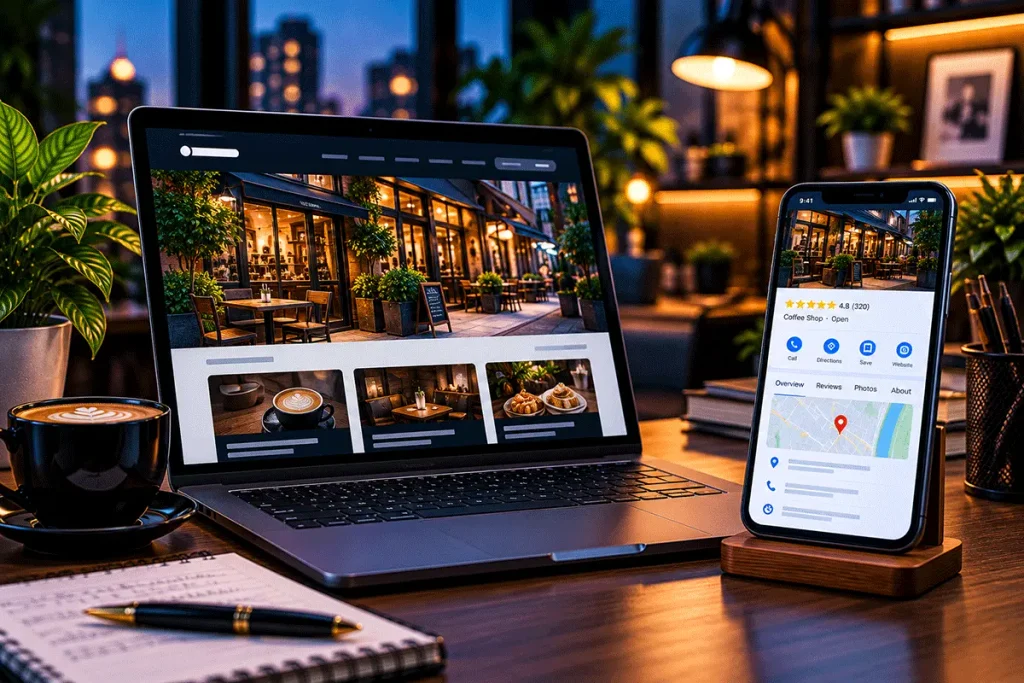
Some business owners assume that if they have a Google Business Profile, they don’t need a website. That can be limiting. A business profile exists on a platform controlled by Google. Your website is a digital property over which your business can have substantially greater control.
A website also gives you much more space to explain:
- Services
- Products
- Expertise
- Company history
- FAQs
- Policies
- Case studies
- Blog content
- Contact options
The Google Business Profile can help someone discover the business. The website can help them understand it in greater detail. A strong local digital presence can use both.
Common Google Business Profile Mistakes
Even small mistakes can make a profile less useful.
Incomplete Information
Important fields remain empty even though the information is available.
Outdated Business Hours
Customers receive incorrect information about when the business is open.
Wrong Contact Details
Old phone numbers, URLs or addresses remain published.
Keyword Stuffing
The business name or description is filled with unnecessary keywords.
Poor-Quality Images
Blurry, irrelevant or outdated photographs create a weak impression.
Ignoring Reviews
Customer feedback is never monitored or addressed.
Fake Reviews
Artificial reviews may create trust and policy problems rather than building genuine reputation.
Creating Duplicate Profiles
Multiple unnecessary profiles for the same business can create confusion and management problems.
Choosing Irrelevant Categories
Selecting categories unrelated to the actual business does not make the profile more useful.
Does Google Business Profile Guarantee Better Rankings?
No. There is no legitimate method for guaranteeing that a business will appear in a particular position in local search results. Local search visibility can depend on multiple factors. Businesses should therefore be cautious of anyone promising:
“Guaranteed #1 Google Maps ranking.”
Instead of chasing guarantees, focus on maintaining accurate business information, improving your broader online presence, serving customers well and following legitimate SEO practices.
How Often Should You Update Your Google Business Profile?
There is no requirement to change information simply to make the profile look active. Instead, review it regularly and update it whenever something genuinely changes.
A simple monthly check can help identify:
- Incorrect hours
- Outdated services
- Old images
- Missing information
- New customer reviews
- Website changes
- Contact information changes
During festivals, holidays or unusual operating periods, additional checks may be useful.
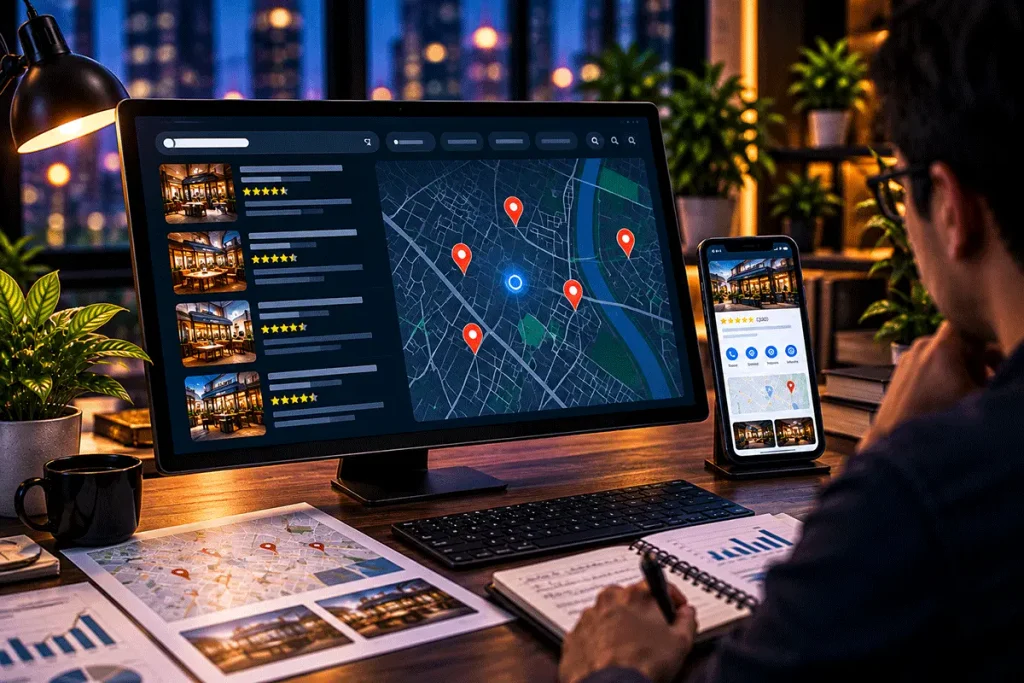
A Simple Google Business Profile Checklist
Business owners can periodically review the following:
Business Information
✓ Correct business name
✓ Correct primary category
✓ Accurate address or service area
✓ Current phone number
✓ Correct website
Operating Information
✓ Regular business hours
✓ Special hours where relevant
Business Presentation
✓ Clear business description
✓ Relevant services
✓ Good-quality photographs
Customer Interaction
✓ Recent reviews monitored
✓ Appropriate responses provided
Digital Consistency
✓ Website details match
✓ Social media information is current
✓ Important online listings are reasonably consistent
This simple routine can prevent many common profile-management problems.
Google Business Profile Is Only One Part of Local SEO
A well-maintained profile is useful, but local visibility should not depend on a single platform.
Businesses should also consider:
- A professional website
- Local SEO
- Useful website content
- Mobile usability
- Relevant service pages
- Location information
- Customer experience
- Genuine reviews
- Consistent business information
- Appropriate local citations
- Search performance monitoring
Think of Google Business Profile as one important part of a broader local digital presence.
Final Thoughts
For a local business, being easy to find online can be just as important as having good signage outside the physical location.
Customers increasingly use search engines and maps to decide:
Where should I go?
Who provides this service nearby?
Is the business open?
Can I trust it?
How do I contact them?
A complete, accurate and professionally maintained Google Business Profile helps make those answers easier to find. You don’t need to manipulate rankings or fill your profile with keywords.
Start with the fundamentals:
Be accurate.
Be complete.
Be useful.
Be consistent.
And make sure the information customers find online reflects the business they will actually experience.
Need Help Managing Your Local Digital Presence?
Managing your website, Google Business Profile, local SEO and other online business information can become time-consuming.
DigiDost helps businesses maintain a more organised digital presence through SEO, Google Business Profile support, website development and ongoing business support services.
Digital Growth Made Simple.
Har Business ka Digital Dost.