
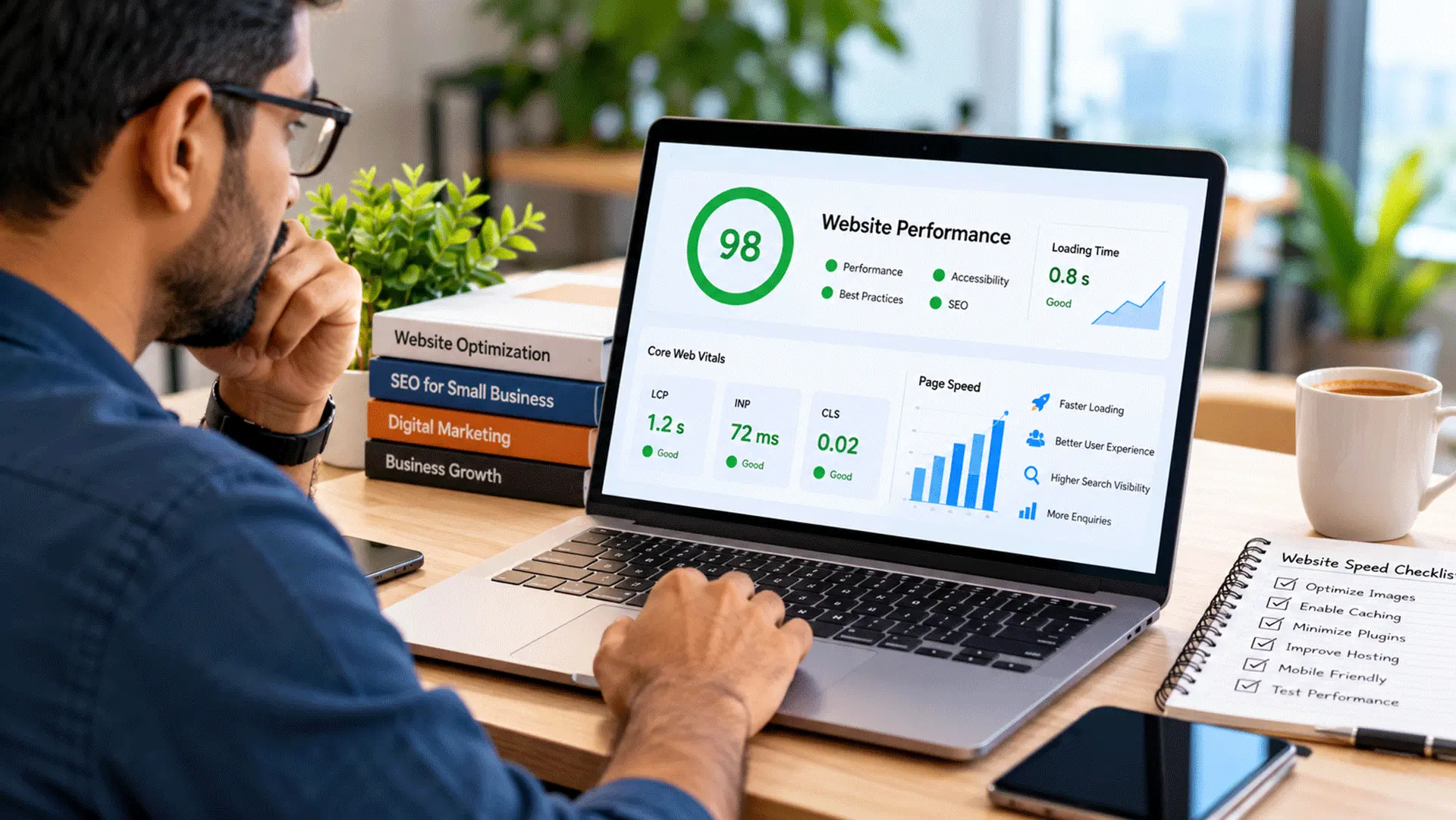

Imagine a potential customer searching for a nearby service on Google. They find a business that appears to offer exactly what they need, tap the website link, and wait. The page begins loading. A large image appears, but the navigation is still unresponsive. They tap the contact button, and nothing happens immediately.
After a few moments, they return to the search results and try another business. The first business may offer excellent services, competitive pricing, and experienced professionals. But its website never gave the visitor a comfortable opportunity to discover those advantages.
This is why website speed optimization matters for small businesses.
In 2026, a business website needs to do more than look professional. It should load efficiently, respond smoothly, and help visitors find information without unnecessary delays. Whether you operate a retail shop, travel agency, consultancy, diagnostic centre, or digital service business, website performance influences how customers experience your brand online.
1. What Is Website Speed Optimization?
Website speed optimization is the process of improving how quickly and smoothly a website loads and responds to visitors.
It includes several connected aspects of performance:
- How quickly useful content becomes visible.
- How soon visitors can interact with buttons and menus.
- Whether images and page elements move unexpectedly while loading.
- How efficiently the website works on mobile devices.
- How reliably pages perform on slower internet connections.
A website can appear fast on a developer’s computer but feel noticeably slower on an ordinary smartphone. That is why performance testing should consider real visitors and different devices rather than relying on one desktop test.
Website optimization is not simply about achieving a high score in a testing tool. It is about making the website easier and more comfortable to use.
2. Why Website Speed Matters for Small Businesses
First impressions begin before visitors read your content
A visitor starts forming an impression of your business as soon as the website opens. If the page loads smoothly, visitors can quickly explore your services, understand your business, and decide what to do next.
If the website feels slow or unstable, visitors may hesitate to continue. For a small business trying to establish credibility, the experience of using the website becomes part of the brand experience.
Slow websites can lose potential enquiries
Consider a customer looking for website development services. They may want to compare services, review previous work, and submit an enquiry. If the service page takes too long to become usable, they might leave before reaching the contact form.
This does not mean every slow page loses a customer. However, unnecessary delays create friction at precisely the point where a business wants visitors to take action.
Mobile visitors are especially important
Many customers discover businesses while using smartphones. Mobile users may be browsing on limited bandwidth, older devices, or connections that fluctuate throughout the day. A website that depends on oversized images, numerous scripts, and complicated animations can struggle under those conditions.
A practical small business website should prioritise readable content, accessible navigation, and straightforward enquiry options across different screen sizes.
3. Does Website Speed Affect Google Rankings?
Website performance is part of the broader page experience that Google encourages website owners to improve. Google uses Core Web Vitals in its ranking systems, but good performance scores do not guarantee higher rankings. Relevant content, search intent, usefulness, and other factors remain important.
For example, a fast website with weak service descriptions may be less helpful than a slightly slower website containing clear, detailed information that answers the customer’s question. Small businesses should therefore approach SEO and performance together.
A useful website should:
- Answer relevant customer questions.
- Load efficiently.
- Work properly on mobile devices.
- Offer clear navigation.
- Provide accurate business information.
- Make important actions easy to complete.
Website speed supports SEO, but it cannot replace a well-planned SEO strategy.
4. Understanding Google’s Core Web Vitals
Google’s Core Web Vitals focus on three important aspects of real-world user experience.
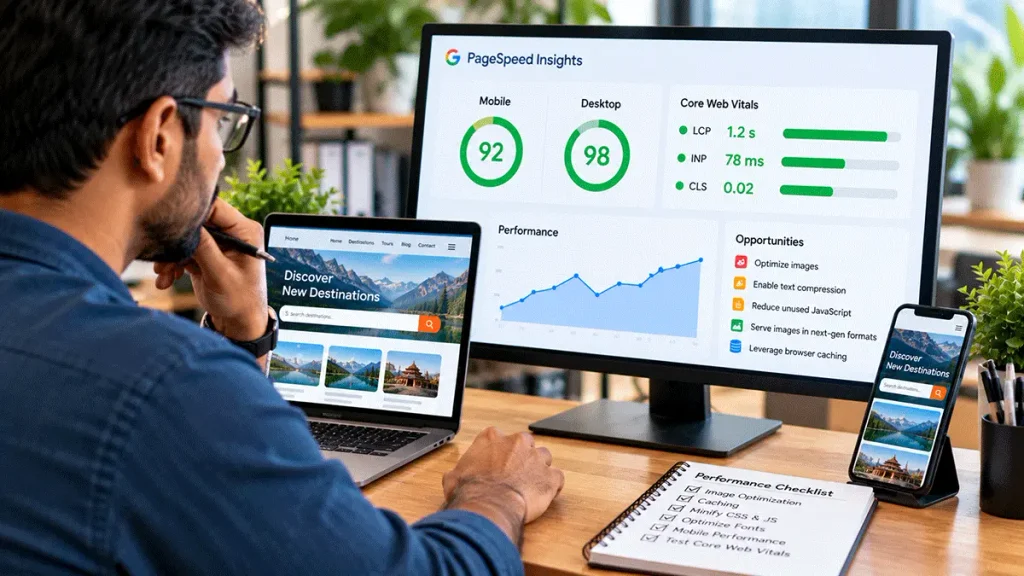
| Metric | What it measures | Good performance target |
|---|---|---|
| Largest Contentful Paint (LCP) | How quickly the main visible content loads | 2.5 seconds or less |
| Interaction to Next Paint (INP) | How quickly the page responds to user interactions | 200 milliseconds or less |
| Cumulative Layout Shift (CLS) | How stable the page layout remains | 0.1 or less |
These targets are evaluated using real-user performance data, generally at the 75th percentile.
Largest Contentful Paint (LCP)
LCP measures when the largest relevant visible content element finishes rendering. On a small business homepage, this might be a large hero image or prominent heading.
If that element loads slowly, the visitor may feel that the page is taking too long to display useful information. Oversized images, slow server responses, and render-blocking resources can contribute to poor LCP.
Interaction to Next Paint (INP)
INP evaluates how responsive a website feels when visitors interact with it. Imagine tapping a mobile menu button and waiting before the menu opens.
Even when the page looks fully loaded, delayed interactions can make the website frustrating. Heavy JavaScript execution, complicated interactive components, and excessive third-party scripts can affect responsiveness.
Cumulative Layout Shift (CLS)
CLS measures unexpected movements of visible page elements.
For example, a visitor may be about to tap a contact button when an image loads above it and pushes the button downward.
Such movements can cause accidental taps and make the website feel unstable. Setting appropriate image dimensions and reserving space for dynamic elements can help reduce layout shifts.
5. Common Reasons Small Business Websites Become Slow
A slow website rarely has only one cause. Several smaller problems often combine to create a poor experience.
Oversized images
High-resolution photographs can improve a website’s appearance, but unnecessarily large image files increase the amount of data visitors must download.
A photograph intended for a small content card does not always need to be delivered at its original camera resolution. Images should be appropriately sized, compressed, and delivered in efficient formats.
Too many plugins
WordPress plugins can provide useful functionality, including contact forms, security, SEO, and caching. However, installing numerous plugins without reviewing their impact can increase resource usage and introduce unnecessary scripts.
The number of plugins alone does not determine performance. One poorly optimised plugin may have a greater impact than several lightweight ones.
Heavy themes and page builders
Some website designs load substantial CSS, JavaScript, fonts, and visual effects. Complex layouts may look attractive in demonstrations but require more processing on ordinary mobile devices. A website should use design elements because they improve the experience, not simply because they are available.
Slow hosting or server configuration
Website performance also depends on the hosting environment. Server response times, available resources, caching, database performance, and traffic levels can influence loading speed.
Businesses should evaluate hosting according to their website’s requirements rather than assuming that the cheapest or most expensive plan is automatically the best choice.
Excessive third-party scripts
Analytics tools, advertising scripts, chat widgets, social media integrations, and tracking services may all introduce additional requests.
These tools can be valuable, but every integration should have a clear purpose. Unused or duplicated scripts should be reviewed and removed where appropriate.
6. How to Test Your Website Speed for Free
Small businesses do not need expensive software to begin investigating website performance. Several useful tools are available.
Google PageSpeed Insights
PageSpeed Insights evaluates website performance and provides recommendations.
To use it:
- Open PageSpeed Insights.
- Enter your website URL.
- Run the analysis.
- Review both mobile and desktop results.
- Examine the identified performance issues.
The tool may show laboratory test results and, where sufficient data exists, real-user experience information. A single score should not be treated as the complete picture.
Google Search Console
Google Search Console includes a Core Web Vitals report. It helps website owners identify groups of pages experiencing performance problems based on available real-user data. This can be especially useful when a website contains multiple service pages, blog posts, and landing pages.
Chrome Lighthouse
Lighthouse provides technical performance assessments and identifies opportunities for improvement. It can help developers investigate issues involving page resources, scripts, accessibility, and rendering.
For business owners, the most useful approach is to share the findings with the website developer and prioritise problems affecting actual visitors.
7. Ten Practical Ways to Improve Website Speed

1. Optimise images before uploading
Resize images according to their intended display dimensions. Compress large photographs and use modern formats such as WebP or AVIF where supported. Maintain appropriate visual quality, particularly for important product, service, and portfolio images.
2. Use lazy loading appropriately
Lazy loading delays the download of images and other resources until they are needed. This can reduce unnecessary initial loading work on long pages. However, the main image visible immediately when a page opens should generally not be delayed unnecessarily.
3. Enable suitable caching
Caching can reduce repeated processing and help deliver pages more efficiently. Depending on the hosting environment, this may include browser caching, page caching, and server-side caching. Caching should be configured carefully so that forms, logged-in areas, and dynamic content continue functioning correctly.
4. Review unnecessary plugins
Examine which plugins are essential to the website. Remove inactive or redundant functionality after checking whether it is required elsewhere. Always create a backup before removing plugins or changing important configurations.
5. Reduce unnecessary JavaScript
Avoid loading complicated interactive features that do not provide meaningful value. Developers can review script execution, defer suitable non-critical resources, and reduce unused code. The objective is to keep important navigation and enquiry actions responsive.
6. Choose suitable hosting
Select hosting that can support the website’s expected traffic, content, and technical requirements. Review server response performance and resource limits before upgrading. A hosting upgrade may help when server capacity is the bottleneck, but it will not automatically fix oversized images or inefficient code.
7. Optimise fonts
Using numerous font families and weights can increase download requirements. A limited, consistent typography system is often easier to maintain and may require fewer resources. Where appropriate, fonts can be loaded strategically to reduce delays.
8. Keep the website and software updated
Regular updates can improve compatibility, security, and sometimes performance. WordPress websites should maintain compatible versions of the core software, themes, and plugins. Updates should be tested when they affect important functionality.
9. Review third-party integrations
Check whether analytics, advertising, social widgets, and chat services are all necessary. Avoid installing duplicate tracking systems. Performance improvements should not come at the expense of breaking important business measurement or security features.
10. Test important pages individually
A fast homepage does not guarantee that every service or blog page performs well. Test important pages such as:
- Homepage.
- Main service pages.
- Contact page.
- Popular blog articles.
- Campaign landing pages.
Prioritise pages that attract visitors or generate business enquiries.
8. Website Speed and Conversion Rates: What Business Owners Should Understand
A website conversion occurs when a visitor completes an action that matters to the business. Examples include submitting an enquiry, requesting a quotation, clicking a WhatsApp contact link, or calling the business.
Website performance can influence these actions by making the journey easier or more difficult. Consider two hypothetical service websites.
Website A displays useful information quickly, offers clear navigation, and has a contact form that responds promptly.
Website B contains similar information but uses heavy animations, slow-loading images, and an enquiry form that takes time to become interactive.
Visitors may find Website A easier to use, even when both businesses offer comparable services. However, improving website speed alone does not guarantee more conversions.
Pricing, trust, service quality, content clarity, and the strength of the call to action also influence customer decisions. The objective should be to remove unnecessary obstacles throughout the customer journey.
9. Should Small Businesses Prioritise Speed or Design?
This is not an either-or decision. A professional website should combine attractive design with practical performance. Large images, animation, video, and interactive elements can be valuable when they help communicate a message.
Problems arise when visual effects interfere with usability. For example, a travel website may benefit from carefully selected destination photography, while a consultancy website may rely more heavily on clear service descriptions and accessible contact options.
The right design depends on the business and its audience. A sensible approach is to establish the website’s purpose first, then choose visual features that support that purpose without introducing unnecessary loading costs.

10. Website Performance Is an Ongoing Responsibility
Website optimisation should not end when the website launches. Over time, businesses may add new blog articles, images, plugins, forms, and marketing integrations. These changes can affect performance.
A practical maintenance routine should include reviewing important pages, checking for broken functionality, examining performance reports, and keeping software updated.
For a broader maintenance routine, read our related guide: Website Maintenance Checklist: What Business Owners Should Check Regularly. Regular reviews help businesses identify problems before they become persistent obstacles for visitors.
11. When Should You Hire a Professional?
Some website performance problems are relatively straightforward, such as uploading unnecessarily large images. Others require technical investigation.
Professional assistance may be useful when:
- The website remains slow despite basic image optimisation.
- Important pages show persistent Core Web Vitals problems.
- JavaScript or CSS changes are affecting functionality.
- Hosting or database performance is suspected.
- Mobile navigation and forms respond slowly.
- Performance problems return after software updates.
A professional website developer should investigate the underlying cause rather than applying random optimisation settings. Before approving major changes, business owners should ask what is being modified, how improvements will be measured, and whether existing functionality will remain intact.
12. A Practical Website Speed Checklist for Small Businesses
Before considering your website fully optimised, review the following:
- Important pages load comfortably on mobile devices.
- Images are appropriately sized and compressed.
- Navigation and contact buttons respond promptly.
- Page layouts remain stable while loading.
- Unnecessary plugins and scripts have been reviewed.
- Suitable caching is configured.
- Hosting performance has been evaluated.
- Core Web Vitals have been checked where data is available.
- Contact forms and enquiry features work correctly.
- Performance is reviewed after significant website changes.
Not every website will achieve perfect results in every tool or on every device. What matters is identifying meaningful problems, improving the experience, and maintaining those improvements.
Conclusion: A Faster Website Creates a Better First Impression
For small businesses in 2026, website speed is not merely a technical concern. It affects how visitors experience a brand, discover services, navigate pages, and decide whether to make contact.
A well-performing website combines useful information, thoughtful design, efficient technology, and dependable functionality. Businesses do not need to chase perfect performance scores. They need websites that work reliably for the people they want to serve.
DigiDost helps businesses build and maintain professional websites with practical design, performance, and usability in mind.
Whether you are planning a new website or improving an existing one, the right starting point is understanding what your customers need and removing unnecessary obstacles from their online experience.
Explore DigiDost’s website development and maintenance services at digidostindia.com.