

For a small business, being online is only the beginning. You may have a professional website, useful services and a strong business offering—but potential customers still need a way to discover you.
That is where Search Engine Optimisation (SEO) comes in.
SEO is the process of improving your website and its content so that search engines can better understand what your business offers and potentially show relevant pages when people search for related information, products or services.
For small businesses, SEO does not have to begin with complicated technical strategies. It starts with understanding your customers, creating useful content, organising your website properly and making sure search engines can access and understand it.
This beginner’s guide explains the fundamentals.
What Is SEO?
SEO stands for Search Engine Optimisation.
In simple terms, it involves improving different aspects of your website to help search engines understand your pages and to provide a better experience for the people visiting them.
SEO can involve:
- Keyword and topic research
- Website structure
- Page titles and headings
- Useful and relevant content
- Internal linking
- Technical website improvements
- Mobile usability
- Website performance
- Local business optimisation
- Building your business’s online reputation
SEO is not a single task that you complete once. It is an ongoing process of improving your website as your business, customers, competitors and search environment change.
Why Does SEO Matter for Small Businesses?
Imagine you operate a local business and someone nearby searches for the exact service you provide. That person already has an interest or need. Being visible when relevant searches happen can introduce your business to people who may never have heard of it otherwise.
For a small business, SEO can help:
- Improve visibility in relevant searches
- Bring potential customers to important website pages
- Make services easier to discover
- Strengthen local online presence
- Build useful informational content
- Support long-term digital marketing
- Reduce dependence on a single source of website traffic
However, SEO should not be viewed as a shortcut to instant traffic. It is generally a longer-term activity built around relevance, website quality, useful content and continuous improvement.
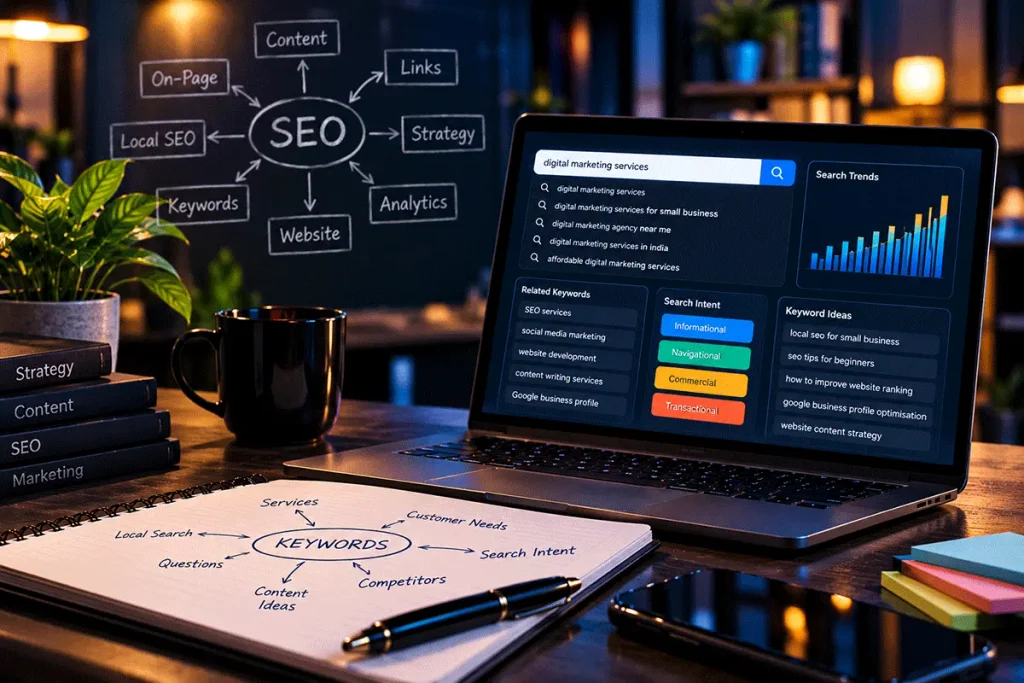
1. Start by Understanding What Your Customers Search For
Good SEO starts with people, not search engines. Before deciding which keywords to target, think about how potential customers describe their needs. A business owner may describe a service using industry terminology, while a customer may search using much simpler words.
For example, a web developer might think in terms of:
Responsive WordPress Development
while a potential customer may simply search:
website designer for small business
Understanding this difference is important.
Think about:
- What services do you provide?
- Who needs those services?
- What problems are they trying to solve?
- What questions do customers commonly ask?
- How might they describe those problems on Google?
- Are they looking for information or ready to contact a provider?
These questions form the beginning of keyword research.
Search Intent Matters More Than Simply Finding Keywords
A keyword tells you what someone typed. Search intent helps you understand why they typed it.
Someone searching:
what is SEO
is probably looking for information.
Someone searching:
SEO services for small business
may be looking for a service provider.
Someone searching:
SEO agency near me
may have stronger local or commercial intent.
Your page should match the likely purpose behind the search rather than simply repeating the keyword.
2. Give Every Important Service Its Own Page
One common mistake on small-business websites is putting every service into a few sentences on the homepage.
Suppose a digital agency provides:
- Website Development
- SEO
- Social Media Marketing
- Graphic Design
- Content Writing
- Business Support
A visitor interested specifically in SEO should be able to reach a page dedicated to SEO rather than searching through a general list of services.
Individual service pages allow you to explain:
- What the service is
- Who it is suitable for
- What it can include
- How your approach works
- Common questions
- Related services
- How someone can enquire
This also creates a clearer website structure for both visitors and search engines.
3. Create Useful Content Around Real Questions
Your service pages explain what you offer. Your blog can answer the questions people have before, during and after they consider those services.
For example, an SEO business could publish useful articles about:
- How SEO works
- Local SEO
- Google Business Profile
- Website optimisation
- Keyword research
- Website content
- Search visibility
- Common SEO mistakes
The objective should not be to publish dozens of articles simply because a website “needs content.” Each article should have a reason to exist.
Ask:
What will the reader know or be able to do after reading this page that they could not before?
If there is no useful answer, the article may not need to be published.
4. Use Keywords Naturally
Once you understand relevant search terms, use them where they make sense.
Important places can include:
- Page title
- Main heading
- Subheadings where appropriate
- Introductory content
- Body content
- URL
- Image alt text when relevant to the image
- Internal links
- SEO title and meta description
But keywords should not be forced into every paragraph.
Consider this sentence:
Our small business SEO services provide small business SEO solutions for businesses looking for small business SEO.
It may contain the target phrase several times, but it is unpleasant to read and provides little value. Write naturally first. Optimisation should improve clarity—not damage it.
5. Create Clear Page Titles and Headings
Headings help organise content. A well-structured page makes it easier for visitors to scan the information and understand how different sections relate to each other. Typically, a page will have one main H1 heading, followed by H2 headings for major sections and H3 headings where subsections are required.
For example:
H1: SEO for Small Businesses: A Practical Beginner’s Guide
H2: What Is SEO?
H2: Why Does SEO Matter for Small Businesses?
H2: Start With Keyword Research
H3: Understanding Search Intent
H2: Improve Your Website Content
The purpose is not to use headings merely to insert keywords. They should create a logical hierarchy for the reader.
6. Make Your Website Easy to Navigate
SEO is not only about what appears inside individual pages. The relationship between pages also matters.
Visitors should be able to move logically between your:
Homepage → Services → Individual Service Pages → Blog Articles → Contact Page
A confusing website structure can make useful information difficult to discover. Keep navigation straightforward. Important pages should not be buried unnecessarily deep within the website.
7. Use Internal Links Strategically
An internal link connects one page of your website to another.
For example, this article could link to a dedicated SEO Services page when discussing professional SEO support. It could also link to another article explaining Google Business Profile optimisation when discussing local SEO.
Internal links help visitors discover related information and help search engines understand relationships between pages. The anchor text should normally describe where the link leads.
Instead of:
Click here
something such as:
learn more about our SEO services
provides better context. Do not add internal links simply to increase their number. Add them where the destination genuinely helps the reader.
8. Make Sure Your Website Works Well on Mobile
Many searches happen on mobile devices. A small-business website therefore needs to provide a good experience on smaller screens.
Check whether:
- Text is easy to read
- Navigation works properly
- Buttons are easy to tap
- Images resize correctly
- Forms work on mobile
- Content does not overflow the screen
- Important information remains easy to find
A responsive website should adapt naturally across desktop, tablet and mobile devices. Mobile usability is therefore both a website-development and SEO consideration.
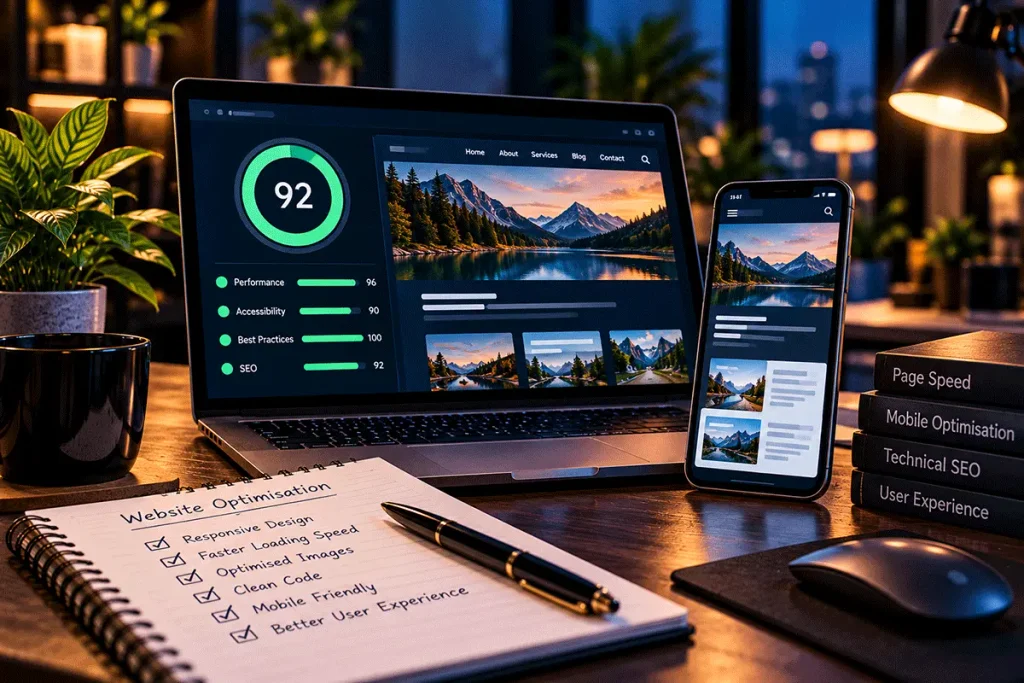
9. Pay Attention to Website Speed
Website performance affects the experience visitors have when using your site.
Common causes of unnecessarily slow websites include:
- Very large images
- Too many scripts
- Poorly configured plugins
- Heavy animations
- Inefficient themes
- Unnecessary third-party resources
- Weak hosting configurations
Images should be appropriately sized and compressed, and unnecessary resources should be avoided. At the same time, do not become obsessed with achieving a perfect performance score while ignoring the actual usefulness of the website. Performance optimisation should support the user experience.
10. Optimise Your Images Properly
Images are an important part of many websites, but they should be used carefully.
Before uploading an image:
- Resize it appropriately
- Compress it
- Use a suitable modern format where appropriate
- Give the file a sensible name
- Add meaningful alt text when the image requires it
For example, instead of:
IMG_82764.jpg
a relevant image might use:
small-business-seo-strategy.webp
Alt text should describe the image appropriately rather than becoming another place to stuff keywords.
11. Do Not Ignore Local SEO
For businesses serving a particular city, neighbourhood or service area, Local SEO can be particularly important.
Someone searching for:
diagnostic centre near me
has a very different requirement from someone searching:
how do blood tests work
Similarly:
website developer in Kolkata
has stronger local intent than:
how to build a website
Local businesses should make sure important information is accurate and consistent, including:
- Business name
- Address where applicable
- Phone number
- Opening hours
- Website
- Services
- Business category
A properly maintained Google Business Profile can also form an important part of a local business’s online presence.
12. Keep Your Google Business Profile Updated
If your business is eligible for a Google Business Profile, do not treat it as something you create once and forget. Keep relevant information accurate.
Depending on the features available to your business, this can include:
- Business information
- Hours
- Services
- Photos
- Business description
- Relevant updates
Customers should not encounter conflicting information between your website and business profile. Your website and business profile should support each other.
13. Write for People Before Search Engines
One of the easiest SEO mistakes is becoming so focused on keywords that the content stops sounding natural. Consider the person who landed on the page.
Do they get a clear answer?
Can they understand the information?
Does the article actually help them?
Does the content demonstrate genuine knowledge of the subject?
These questions matter more than repeating a keyword a particular number of times.
A useful principle is:
Write the best answer you can for the intended reader, then optimise its structure and presentation for search.
14. Avoid Copying Content From Other Websites
Your website should contain original content created for your business and audience. Copying service descriptions or blog articles from competitors does not help establish your own perspective or expertise.
Even when businesses offer similar services, they can explain them differently based on:
- Their approach
- Their audience
- Their experience
- Their processes
- Their service scope
- Their customers’ common questions
Originality does not mean inventing new facts. It means providing genuinely useful information in your own context and presentation.
15. Build Topical Connections Instead of Publishing Random Articles
A business blog becomes more useful when related articles support each other.
For example, a small-business digital marketing website might gradually build an SEO content group around:
SEO for Small Businesses
↓
Google Business Profile Guide
↓
How to Write SEO-Friendly Website Content
↓
Website SEO Checklist
↓
Local SEO for Small Businesses
These articles can naturally link to each other. Over time, this creates a useful collection of related resources rather than a blog containing disconnected topics.
16. Measure What Is Happening
SEO should not operate entirely on assumptions. Appropriate tools can help you understand how your website is performing.
Depending on your setup, useful information may include:
- Search queries
- Search impressions
- Website visits
- Popular pages
- Traffic sources
- Device types
- Important website actions
- Technical indexing issues
For example, Google Search Console can provide information about how Google discovers and displays your website in search. Website analytics can provide additional information about how visitors interact with the site. The objective is not to collect every possible metric. Focus on information that helps you make better decisions.
17. Understand That SEO Takes Time
SEO is not an instant marketing channel. A newly published page may not immediately receive meaningful search visibility. Search engines need to discover and process pages, while the competitive environment for each search is different.
Results can also depend on:
- Website history
- Competition
- Content quality
- Technical condition
- Search demand
- Location
- Website authority
- Existing online presence
This is why responsible SEO should avoid promises such as:
“Guaranteed #1 ranking in 7 days.”
No legitimate SEO provider controls Google’s search results. SEO should instead focus on improving the factors that are within your control.
18. SEO and Paid Advertising Are Not the Same
SEO and paid search advertising can both help businesses gain visibility, but they work differently. With paid advertising, businesses can pay to display advertisements for selected searches, subject to the advertising platform’s systems and competition. SEO focuses on improving organic search visibility. Paid campaigns may provide visibility while the campaign is active, whereas SEO is generally developed over a longer period.
For many businesses, the question is not necessarily:
SEO or advertising?
It may be:
How should SEO and advertising work together within our overall marketing strategy?
The right answer depends on the business, market, objectives and available budget.

A Simple SEO Checklist for Small Businesses
If you are just getting started, concentrate on the fundamentals:
- Make sure your website is accessible to search engines
- Create dedicated pages for important services
- Research the topics your customers search for
- Understand the intent behind those searches
- Write useful original content
- Use clear titles and headings
- Create logical URLs
- Add relevant internal links
- Optimise images
- Make the website mobile-friendly
- Monitor website performanceMaintain accurate business informationSet up appropriate search and analytics toolsKeep important content updatedReview your SEO periodically
You do not have to solve everything on the first day. Start with a strong foundation and improve it consistently.
Common SEO Mistakes Small Businesses Should Avoid
Before finishing, it is worth remembering some of the mistakes that can undermine otherwise good work.
Avoid:
- Stuffing pages with keywords
- Creating dozens of thin pages
- Copying competitors’ content
- Publishing articles purely to increase post count
- Using misleading page titles
- Buying questionable links
- Ignoring mobile visitors
- Neglecting website maintenance
- Leaving outdated business information online
- Expecting immediate rankings
- Treating SEO as a one-time project
SEO works best when it is integrated with the overall quality of your website and digital presence.
Final Thoughts
SEO can appear complicated because it covers content, technology, website structure, user experience, local visibility and many other areas. But a small business does not need to master everything at once. Begin with the fundamentals.
Understand what your customers need. Create clear service pages. Publish genuinely useful content. Make your website easy to use. Keep your business information accurate. Connect related pages logically. Measure what happens and improve over time.
The goal should not simply be to “rank on Google.”
The more useful objective is to make it easier for the right people to discover, understand and engage with your business when they are searching for something relevant.
Want to Improve Your Website’s Search Visibility?
DigiDost provides practical SEO support for businesses looking to strengthen their website’s search foundations and improve their online visibility. Our approach can include keyword research, on-page SEO, technical SEO, local SEO, content strategy and other appropriate optimisation work based on the requirements of the website.
Explore our SEO Services to learn more about how DigiDost can support your business’s organic search presence.